Skip to content

CRM/ERP systems and process automation

A process that lives in one person’s head stops when that person goes on holiday. We move sales, operations and the flow of information into one system matched to your company.

The process works as long as everyone remembers everything

Key processes rely on employees’ memory, spreadsheets and emails. At a small scale that is enough. As customers, orders and team members are added, errors and delays appear, and decisions lack reliable data.

  • The same data entered several times in different places
  • Customer contact history scattered across mailboxes, with no single place for it
  • Reports compiled by hand and ready too late
  • Tasks that happen only if someone remembers them

Hand the repetitive work to the system

We map the processes and identify the activities that can be automated or simplified. Then we implement a system (custom-built or based on an existing platform) with roles, permissions and a workflow that match the structure of the company.

Among other things, we automate notifications, document generation, task assignment and data exchange with other systems.

What you get

  • A process map and a list of activities to automate
  • A system matched to the roles, permissions and workflow in your company
  • Reports and indicators without compiling data by hand

What we implement

CRM
Customer database, sales pipeline, contact history, quotes and tasks for the sales team.
ERP modules
Orders, warehouse, work schedules, HR and settlements. Only to the extent the company needs, with no modules bought just in case.
Workflow automation
Rules, notifications and tasks that the system triggers after an event.
Reporting
Up-to-date indicators and summaries, without stitching data together by hand.
Data migration
We move data from spreadsheets and existing systems and control its quality.
Training and team onboarding
Instructions, user training and support during the first weeks of working with the system.

Example stack

The technology depends on whether the system is built from scratch or extends an existing platform. An example set:

Application
  • Laravel
  • Livewire
  • React
Data
  • MySQL
  • PostgreSQL
Automation
  • Job queues
  • Schedulers
  • Webhooks
Communication
  • Transactional email
  • SMS
  • In-system notifications

Related case study

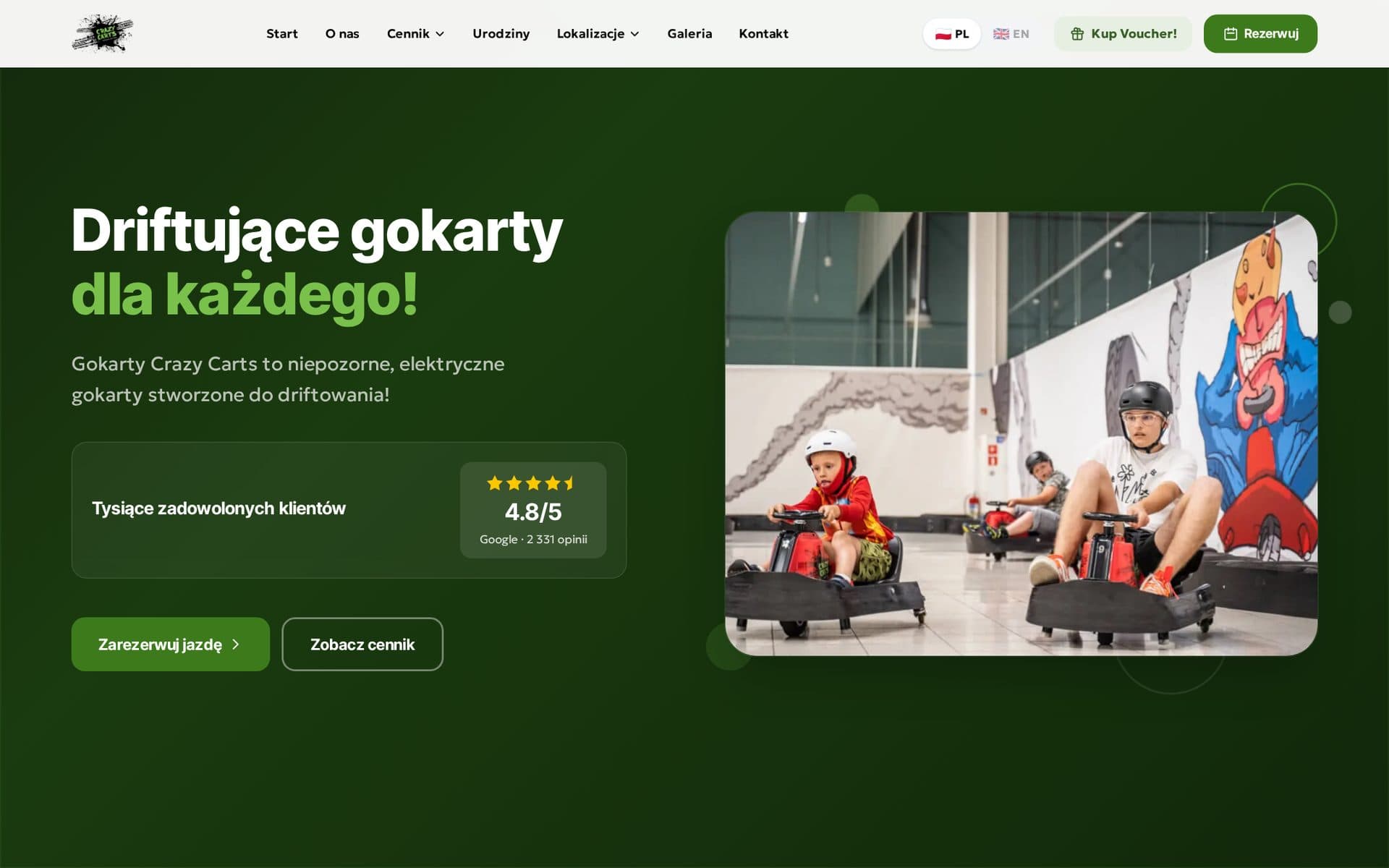
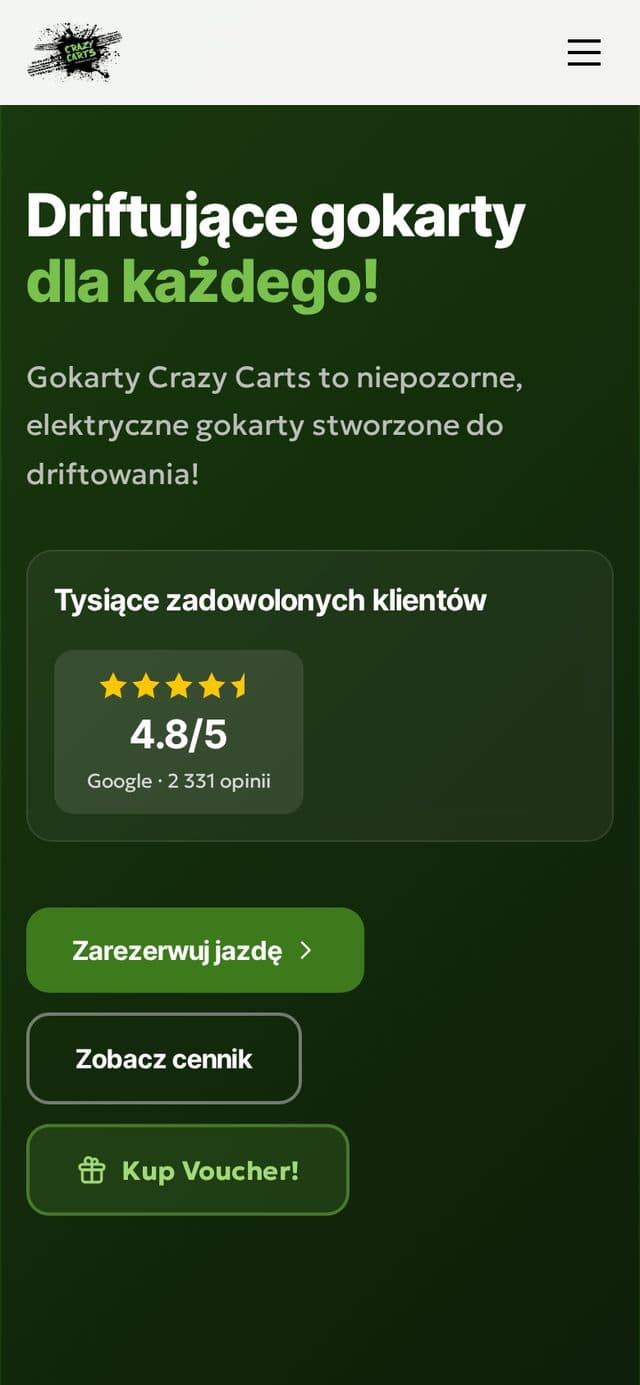
Home page of crazycarts.pl with a button for booking a ride
Booking platform and network management systemcrazycarts.pl

A whole track network in one system

A public website with its own online booking and payment system. Behind it, an internal platform on which the network runs bookings, work schedules, the warehouse and the call centre.

Crazy Carts sp. z o.o.

View case study

Common questions, short answers

A custom system or an off-the-shelf platform?

It depends on the process. If an off-the-shelf tool covers the need, we recommend implementing and integrating it. A custom system makes sense when the process is unusual or gives the company its advantage.

Can the system be implemented in stages?

Yes. We usually start with the one process where manual work costs the most. We add further modules once it is running.

What about the data in our current tools?

Data migration is part of the implementation. We put the data in order, import it and verify it before the system goes live.

How do you measure the effect of automation?

At the analysis stage we establish a baseline, for example the time taken to handle a request or the number of manual steps. We compare the result after implementation against that baseline.

Start with one process

Point to the process that takes up most of your team’s time. We will check what can be automated in it.

Book a consultation